facebook

Private teachers in Wissous

Find your perfect private tutor in Wissous.
Learn with our teachers at home or in their studio.

0 Teachers your wish list
|
zoom in iconzoom out icon

19 private teachers in Wissous

play iconVideo

Daria

verified teacher icon
$55

60-min

/h

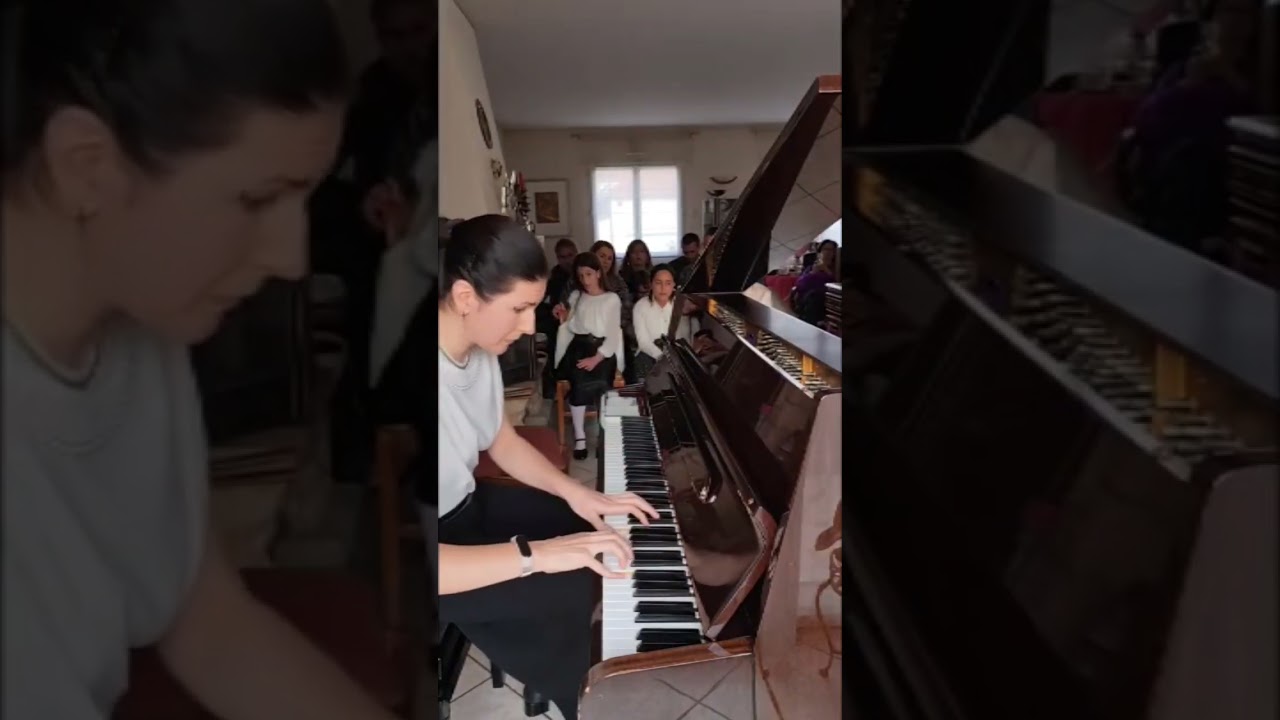
Piano lessons for beginners and intermediates, at home with the teacher or student, classical piano and other stylesTranslate this text using Google Translate.

Piano lessons for beginners and intermediates, at home with the teacher or student, classical piano and other stylesTranslate this text using Google Translate.

As a professional musician and piano teacher originally from Ukraine, I offer private piano lessons for children (from 7 years old) and adults, online or at your home (in Antony). With over 12 years of teaching experience, I adapt my teaching methods to each student's level, goals, and musical sensibilities. My approach is supportive, structured, and motivating, ideal for making enjoyable progress, regardless of your age or skill level. Classical repertoire, film music, accompaniment, piano technique, interpretation and more — according to your wishes! Courses in French, English or Ukrainian Graduated with honors from Kharkiv National University of Arts Regular or occasional classes available I give private piano lessons in Antony (92160) for those who want to study in a comfortable environment with a flexible schedule. Education - complete higher education (Kharkiv National University of Arts named after IP Kotlyarevsky, master). 12 years teaching experience (including with vocal ensembles). I offer a global approach to the development of your musical talent, namely: - Practice part (playing your favorite songs and compositions, mastering the skills of playing by ear, the basics of improvisation); - musical notation, solfeggio, music theory, in an interesting and understandable way; - performances in concerts (preparation for competitions); Experience of working not only with children, but also with adult students.

Video thumbnail
Play icon
Daria's video

Hassane

$18

60-min

/h

trusted teacher iconTrusted teacher

Basic concepts in office automation and graphic multimedia design (Ideal for a good pedagogical supervision)Translate this text using Google Translate.

Basic concepts in office automation and graphic multimedia design (Ideal for a good pedagogical supervision)Translate this text using Google Translate.

Young student in License 3 in computer science at the Faculty of Créteil, I propose to give courses in computer office automation, namely Microsoft Word, Microsoft Excel, Microsoft Power Point, and Computer Communication with software Adobe and Microsoft. Office Automation: As for desktop computing, the student will have the basics of applications, if necessary, then it will evolve from an intermediate level to an advanced level with a mastery of office tools for professional use. - With Microsoft Word, the student will be able to layout a document containing images, shapes, tables and graphs; Manage advanced formatting and be able to connect the Word document to a database to manage mailings. - With Microsoft Excel, the student will be able to manipulate the basic functions, namely digital operations, format tables, insert graphics and connect tables, etc. The idea of this course is to change the student from a beginner level to an intermediate level. - With Microsoft Power Point, the student will be able to prepare successful good presentations in design and special effects, use multimedia content in presentations. If the student is strong enough, he will be introduced to the use of the formidable tool, in terms of creation of interactive animation, which is Adobe Flash, to make outstanding presentations. Communication Computer Graphics: For graphic design classes, students will have a good introduction to Adobe Photoshop Tools, Adobe Illustrator, and Microsoft Expression Design, which is relatively similar to Adobe Illustrator, but much easier than Adobe Illustrator. - With Adobe Illustrator and Microsoft Expression Design, students will learn how to use the various tools for creating shapes and objects, learn how to trace and vector images, how to use different color profiles and different special effects, etc. This course is designed to bring a student from a beginner level to an intermediate level (or rather advanced, but not very thorough) - With Adobe Photoshop, the student will learn to use the tools for retouching images and creations, understand the concept of layers and understand how to manage color profiles in the different objects in the workspace. This course is really designed for beginners.

PreviousShowing results 1 - 19 of 191 - 19 of 19Next

Our students from Wissous evaluate their teacher.

To ensure the quality of our teachers, we ask our students from Wissous to review them.

Only reviews of students are published and they are guaranteed by Apprentus. Rated 5.0 out of 5 based on 2 reviews.

A lovely class. I felt at ease from the very beginning. Highly recommended!

To ensure the quality of our teachers, we ask our students from Wissous to review them.

Only reviews of students are published and they are guaranteed by Apprentus. Rated 5.0 out of 5 based on 2 reviews.

Map
Map